Step 1: Open the official start page
Use a link you trust, such as the Start button on this site, so you land on the official JerkHub page. Confirm you are 18 or older when asked. Avoid look-alike sites that ask for card details before showing anything.
Step 2: Allow your camera and microphone
Your browser will ask for permission. Allow both, and pick the correct devices in the pop-up. If you accidentally click Block, you can fix it in your browser's site settings, as shown in Google's guide to using your camera and microphone in Chrome.
Step 3: Try before you register
The free trial lets you experience a real chat first. You do not need to complete a long profile. That is the main difference from most dating apps, and it ties in with our overview of free random video chat without registration.
Step 4: Create an account to continue
When the trial ends, register so that your credits and settings are saved to you. Use a strong, unique password, and consider a password manager. Never reuse a password from your email or bank. Some countries require an extra age check, so keep your details ready.
Step 5: Log in next time
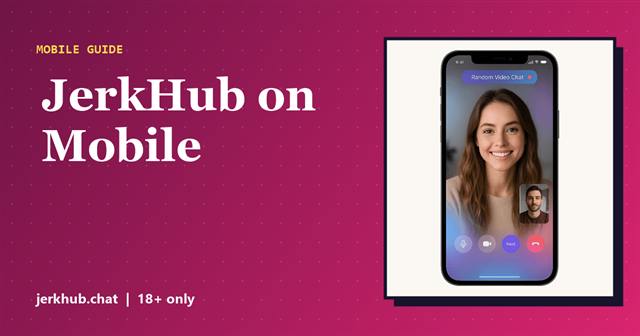
Return to the official page and use Login in the top corner. The same account works across devices, so you can switch from laptop to phone. Our guide to JerkHub on iPhone and Android explains the mobile experience.
Fixing login problems
- Forgot password: use the reset link on the login page.
- Not receiving emails: check spam and confirm you typed the address correctly.
- Stuck on a loading screen: refresh, clear the site's cookies or try another browser.
- Camera not detected: see camera not working in video chat.
Account safety tips
Do not share your login with anyone, and be careful on public Wi-Fi. Log out on shared devices. If you ever see charges you do not recognize, contact support through the official site. For pricing details before you add credits, read is JerkHub free?
You are ready to begin: open JerkHub and start step one.
Frequently asked questions
You can begin from the start page and try the service first. To continue after the trial and use credits, you create an account.
No download is required. JerkHub works in your mobile or desktop browser, and you log in through the official page.
Reset your password, check your spam folder for emails, try another browser and make sure you are on the official JerkHub page.

JerkHub.chat Editorial Team. We research random video chat services using their published features, terms and help pages, then explain them in plain language. Read how we work on the About page.