Why a browser beats an app
Browser-based chat starts faster, updates automatically and avoids app store restrictions. You can switch between phone, tablet and computer without reinstalling anything. It is also easier to leave: close the tab and nothing remains on your device beyond your browser history.
Getting started on iPhone
- Open Safari and go to the official JerkHub page.
- Confirm you are 18 or older.
- When prompted, tap Allow for camera and microphone.
- Hold the phone steady, or prop it up, and press start.
If the prompt does not appear, check Settings and your browser's site permissions.
Getting started on Android
- Open Chrome, Firefox or Samsung Internet.
- Visit the official page and confirm your age.
- Allow camera and microphone permissions.
- Press start and use the Next button to meet someone new.
Google's help page on using your camera and microphone in Chrome is useful if you accidentally block access.
Tips for smooth video on mobile
- Use Wi-Fi instead of weak mobile data.
- Close other apps that may use the camera.
- Keep the phone charged, because video chat drains battery fast.
- Use headphones to reduce echo and keep the chat private.
- Hold the phone at eye level for a better angle.
Privacy on a phone
Mobile screens are small, so it is easy to forget what is behind you. Check your background for mail, photos or anything that reveals your address. Avoid notifications that show private messages on screen. Our video chat with strangers guide has more safety habits.
Troubleshooting
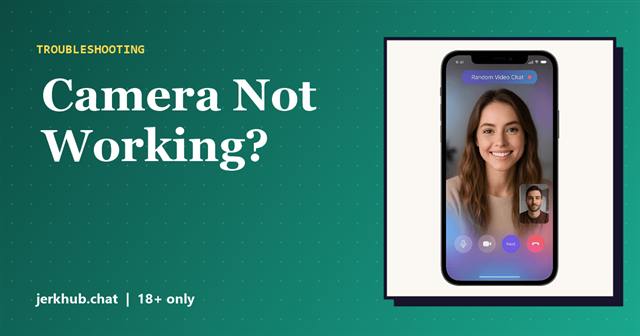
If the screen stays black, the video lags or the microphone does not work, try our camera fixes for video chat. If you cannot log in, see JerkHub login and sign up.
Ready to try it? Open JerkHub on your phone and press start.
Frequently asked questions
JerkHub is designed to run in the mobile browser, so you do not need to install anything. Be cautious of unofficial apps that claim to be JerkHub.
Safari works well on iPhone, and Chrome also works. Allow camera and microphone access when prompted.
Yes. The interface adapts to tablet screens in a standard browser, with the same features as on phones and computers.

JerkHub.chat Editorial Team. We research random video chat services using their published features, terms and help pages, then explain them in plain language. Read how we work on the About page.